
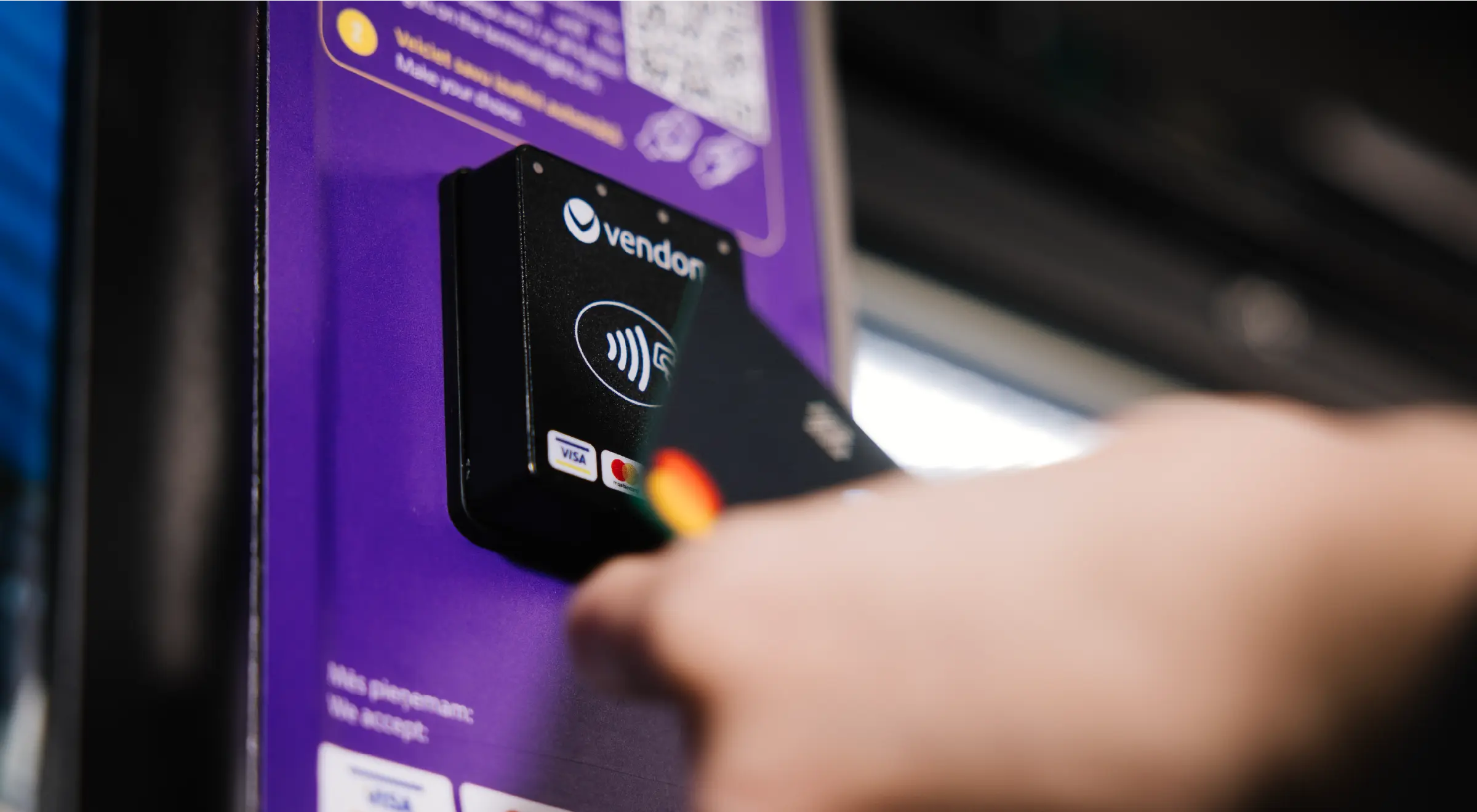
If you’re planning to upgrade your machine with a vending machine card reader, one of the first questions is simple:
How do you actually add a card reader to a vending machine?
Whether you’re retrofitting an older machine or modernizing your fleet, installing a credit card reader for a vending machine is usually straightforward — if the machine is compatible and properly prepared.
This guide explains:
- What you need before installation
- How to add a card reader to a vending machine step by step
- What to check after installation
- Common mistakes to avoid
If you’re still comparing systems, read our detailed guide:
How to compare vending machine card readers before you buy.
Table of Contents
What is a vending machine card reader?
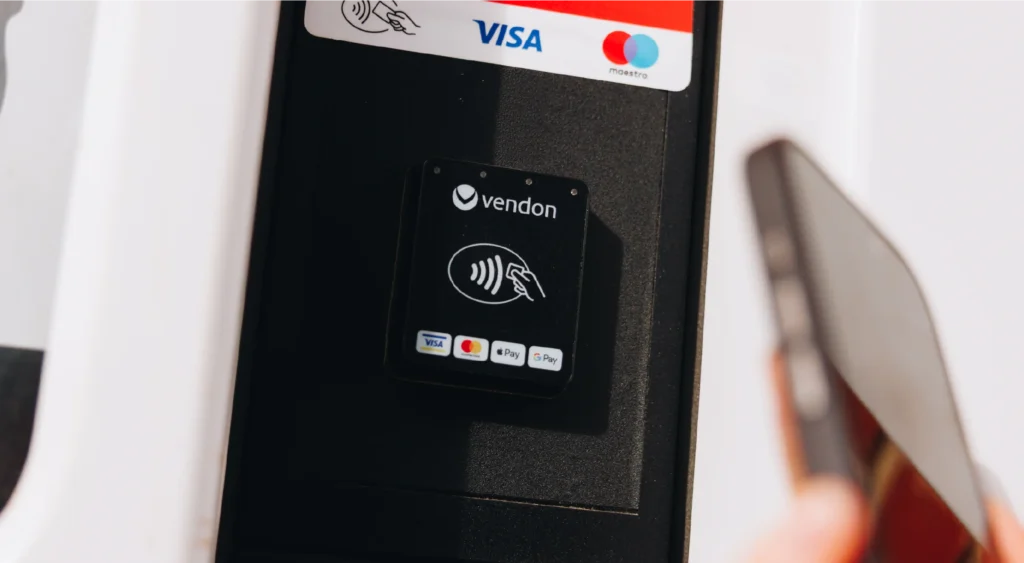
A vending machine card reader is a contactless payment terminal installed on a vending or coffee machine that allows customers to pay using:
- Debit and credit cards
- Contactless NFC cards
- Apple Pay and Google Pay
- Mobile wallet payments
- Closed-loop or app-based payments
Modern readers connect via MDB protocol and communicate through a secure cellular connection to authorize transactions in real time.
However, the card reader for a vending machine is only one part of the system. A complete setup typically includes:
- The payment terminal
- A connectivity/telemetry device
- SIM and network configuration
- Access to a cloud management platform
When properly installed, it becomes a fully integrated part of your machine — not just an add-on device.
Before you install: key compatibility checks
Before adding a credit card reader to a vending machine, verify the following:
1. Machine protocol (MDB support)
Most modern machines support MDB.
If your machine uses Executive or another older protocol, you may need an adapter.
Always confirm protocol compatibility before ordering hardware.
2. Power availability
Ensure the machine can supply stable power to the card reader and communication module.
3. Mounting position
Check that the front panel has enough space for installation and is accessible to customers. The reader must be clearly visible and easy to tap.
4. Connectivity quality
Because card readers rely on cellular connectivity, verify signal strength at the installation location. Poor signal affects authorization performance.
How to add a card reader to a vending machine (5 practical steps)
Below is a general installation overview. Always follow the official installation manual of your specific device.
Step 1: Power off the vending machine
Before starting:
- Turn off the machine
- Disconnect it from the power source
This prevents electrical damage and protects internal components during installation.
Step 2: Prepare the mounting area
Most vending machine card reader kits include:
- Mounting plate
- Drill template
- Connection cables
- Protective frame
Use the template to mark drilling points (if required).
Ensure the position is ergonomic for users and protected from impact.
Install the mounting plate securely. Stability matters — loose installations cause long-term issues.
Step 3: Connect the card reader to the machine
Next:
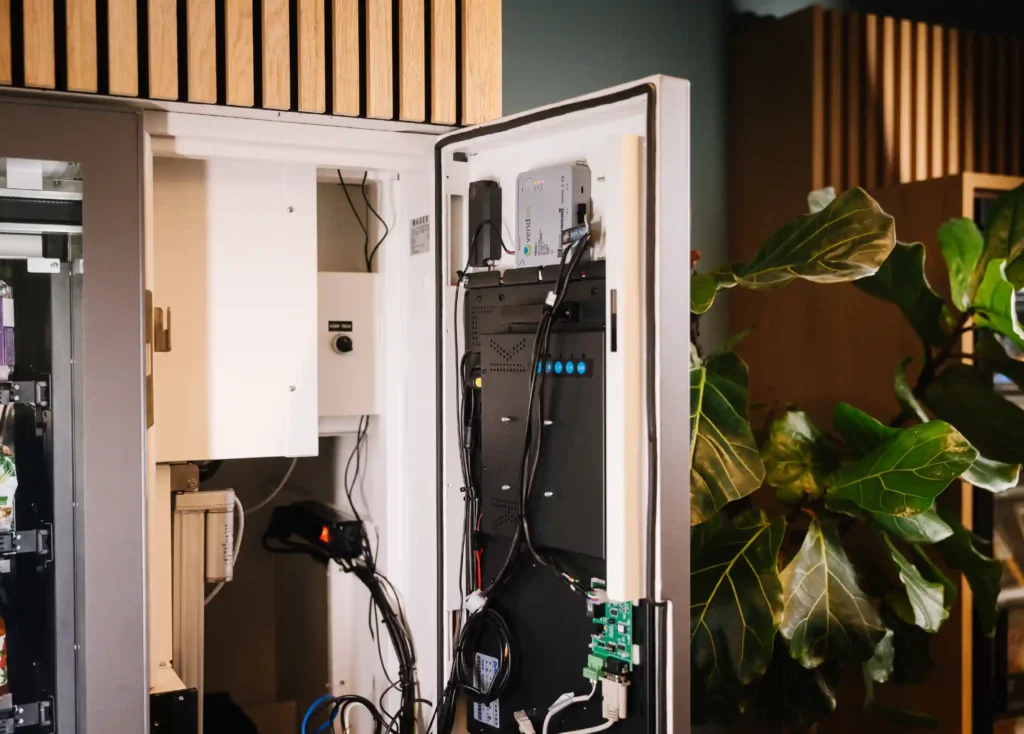
- Locate the MDB interface inside the machine
- Connect the reader to the MDB harness
- Secure all cables properly
If your system includes a telemetry or communication device (such as a connectivity module), connect the reader to that unit according to the installation manual.
In integrated ecosystems like Vendon Cloud, the card reader and telemetry device work together as one payment terminal.
Step 4: Restore power and configure settings
Turn the machine back on.
Configuration typically includes:
- Network initialization
- SIM activation (if required)
- Protocol recognition
- Basic transaction parameters
Most modern vending machine card readers auto-detect MDB communication and complete setup within minutes.
Step 5: Perform test transactions
Before leaving the site, always:
- Run a test credit card transaction
- Test a mobile payment (Apple Pay / Google Pay)
- Confirm vend delivery
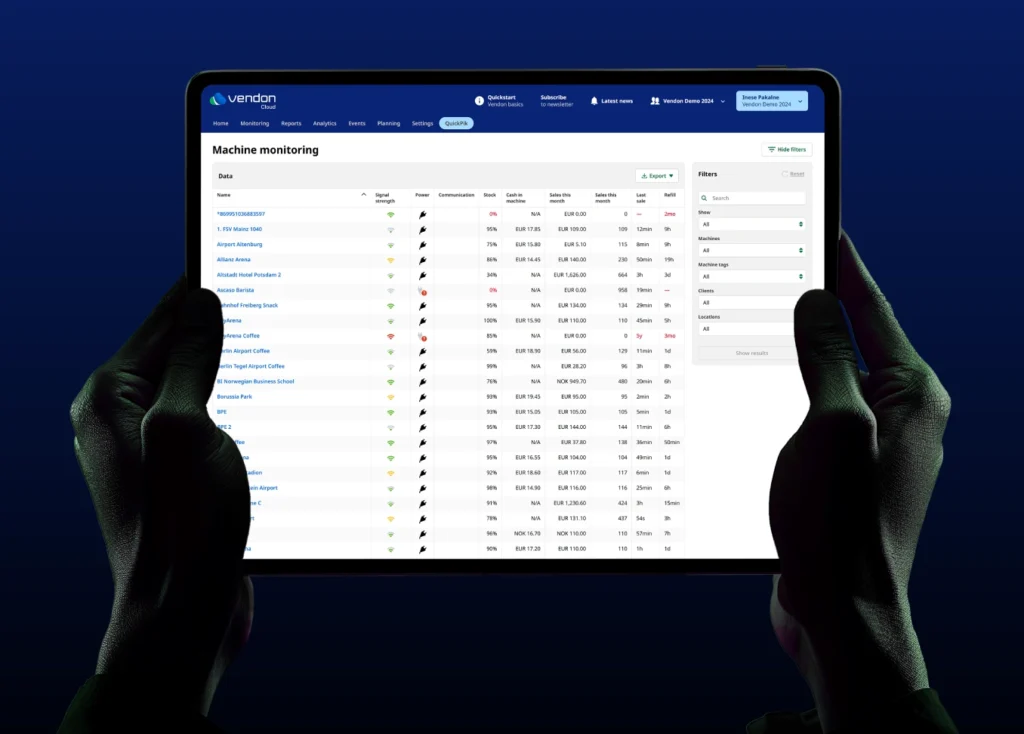
- Check that the transaction appears in the management platform
Never consider installation complete without confirming successful authorization and product delivery.
After installation: what to monitor
Adding a card reader to a vending machine is only day one. Long-term performance depends on monitoring.
Pay attention to:
- Authorization rate
- Signal stability
- Transaction speed (tap-to-vend time)
- Remote visibility in your cloud platform
If your reader is integrated with telemetry, you can monitor payments, machine status, and sales in one system — reducing troubleshooting time.
Learn how integrated payment and telemetry work inside Vendon Cloud.
Common mistakes operators make
Even experienced operators sometimes overlook important details.
Installing without checking protocol compatibility
Always verify MDB support first.
Ignoring signal strength
Weak connectivity leads to declines and lost sales.
Choosing standalone payment without reporting integration
Fragmented systems complicate reconciliation and support.
Not training service technicians
Your team should understand how to diagnose connectivity and payment issues on-site.
Do card readers increase vending sales?
In most unattended retail environments, yes.
Adding a credit card reader for a vending machine typically results in:
- Higher average transaction value
- Fewer abandoned purchases
- Reduced cash handling
- Better sales visibility
Customer expectations have shifted. In many locations, cash-only machines now underperform compared to machines offering contactless payment.
Is it difficult to add a card reader to a vending machine?
For MDB-compatible machines, installation is generally simple and can be completed during a regular service visit.
The real complexity is not physical installation — it’s choosing the right ecosystem behind the reader:
- Reliable authorization
- Stable connectivity
- Transparent settlement
- Clear reporting
If you’re still evaluating which system to install, read: Vending machine card reader comparison guide
Frequently asked questions
How do I add a card reader to a vending machine?
Confirm MDB compatibility, mount the reader securely, connect it to the MDB interface and communication module, configure network settings, and run test transactions.
Can I add a credit card reader to an old vending machine?
Yes, if the machine supports MDB or can be adapted. Very old machines may require additional hardware upgrades.
How long does installation take?
In most cases, 30–60 minutes per machine once compatibility is confirmed.
Does every card reader require telemetry?
Not every system requires it — but integrated payment and telemetry solutions provide stronger reporting, remote monitoring, and better long-term control.
Final thoughts
A vending machine card reader is no longer optional in most markets.
Installing one is technically straightforward.
Choosing the right system behind it determines long-term revenue performance.
If you’re planning to upgrade your fleet and want to see how an integrated payment solution fits into your operations, explore Vendon’s payments or request a product demo.